Can I Track My SWM ATV via GPS on My Phone?
May 29 2026
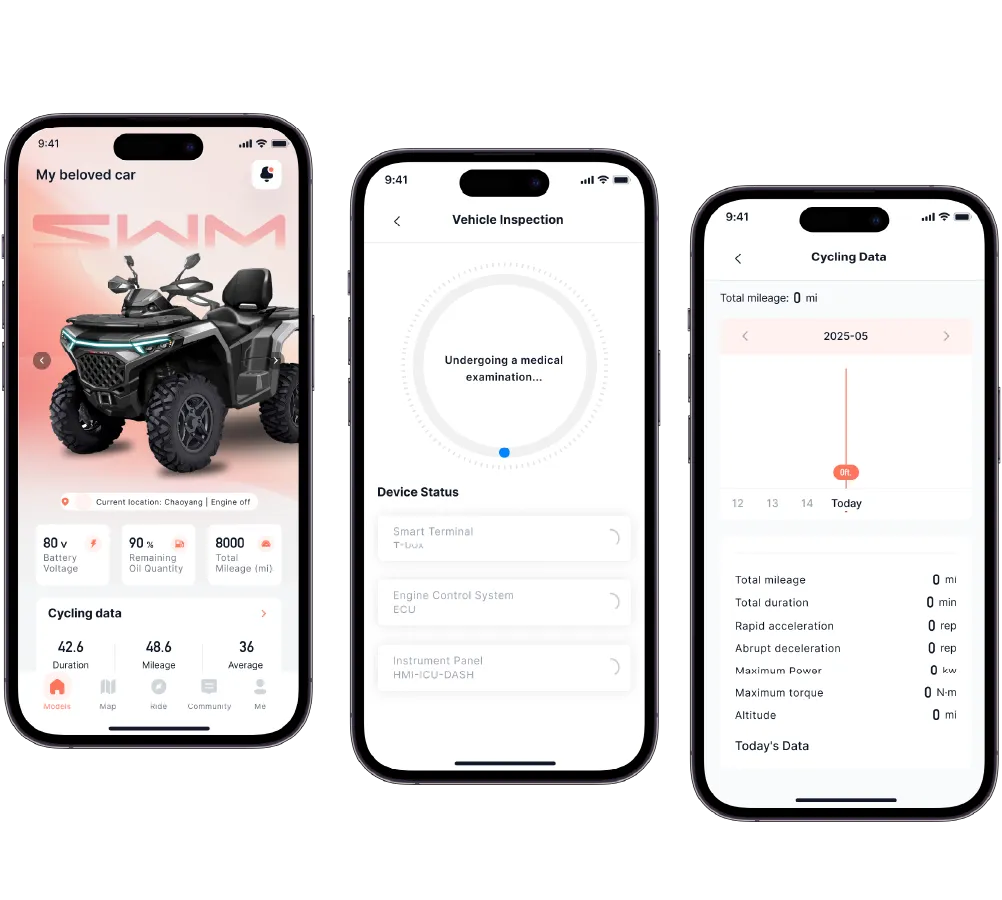
Yes, SWM has equipped its latest Trailhunter and Nomader series with the SWM-SMART RIDER intelligent interactive system as standard. This is not just a simple locator, but a deep "vehicle brain." The ecosystem allows users to perform real-time GPS tracking and security monitoring directly via their smartphone. You can track your ATV through the SWM-SMART RIDER app on your phone. The app provides several integrated smart features, including:
Vehicle Locator: The app includes a "Vehicle Locator" function as part of its real-time data and security suite.
Security & Geo-Fencing: The app offers a "Security Guarantee," which includes Geo-Fencing capabilities, allowing you to set virtual boundaries and receive alerts.
Real-time Monitoring: Beyond location information, the app provides real-time data such as power, torque, battery status, and oil quantity, as well as post-ride reports and maintenance reminders.
Mapping Service: Includes integrated waypoints and heat maps to help you find your way back or discover popular trails.
How to Connect the SWM-SMART RIDER App to My ATV
Step 1: Download and Registration
Download: Search for "SWM-SMART RIDER" in the Apple App Store or Google Play.
Registration: Create an account using your mobile number or email and complete real-identity verification (anti-theft warning functions in some regions require real-name activation).
Step 2: Vehicle Binding and Pairing (Critical Step)
Power On: Turn the ATV key to the "ON" position (no need to start the engine, but power must be on).
Scan to Connect: Click "Add Vehicle" in the app and scan the unique QR code found in the settings menu of the vehicle’s dashboard (TFT screen).
Activate T-BOX: The system will automatically connect to the vehicle's T-BOX (Telematics Box). Once the connection is successful, the dashboard will display an icon indicating the phone is synchronized.
Step 3: Enable GPS Tracking and Security Functions
Real-time Positioning: Click "Mapping Service" on the app's home page to view the current satellite coordinates of the vehicle.
Set Geo-Fencing: Define a radius in the security settings (e.g., 500 meters around your home). If the vehicle moves out of this area without authorization, your phone will immediately receive a push alert.
Precautions (Details to Ensure Successful Use)
Permission Management: In your phone settings, you must grant the SWM App "Always allow location access" and "Auto-start permissions." Otherwise, you will not receive Geo-fencing alarm pushes if the app is killed by the system in the background.
Firmware Updates: Regularly check the dashboard for OTA updates. SWM frequently fixes bugs related to GPS positioning offset or disconnection.
Alert Priority: It is recommended to set the notification sound for "Abnormal Movement Alarm" to a unique tone to avoid it being buried among regular WeChat or system notifications.
Sleep Mode: When the ATV is not used for a long time, the vehicle will enter "Deep Sleep" to protect the battery. During this time, the GPS may only update its location once per hour instead of in real-time.
Signal Blind Spots: ATVs are often taken into deep mountains and forests. If the vehicle is parked in a valley with no mobile signal (2G/4G/5G), the phone app will only be able to display the last location where a signal was available.
Battery Voltage: The GPS module relies on the ATV’s battery for power. If the battery is depleted, the anti-theft tracking function will automatically shut down. It is recommended to install a solar maintenance charging panel or regularly start the engine to charge the battery.
-
Jun 18 2026
learn more
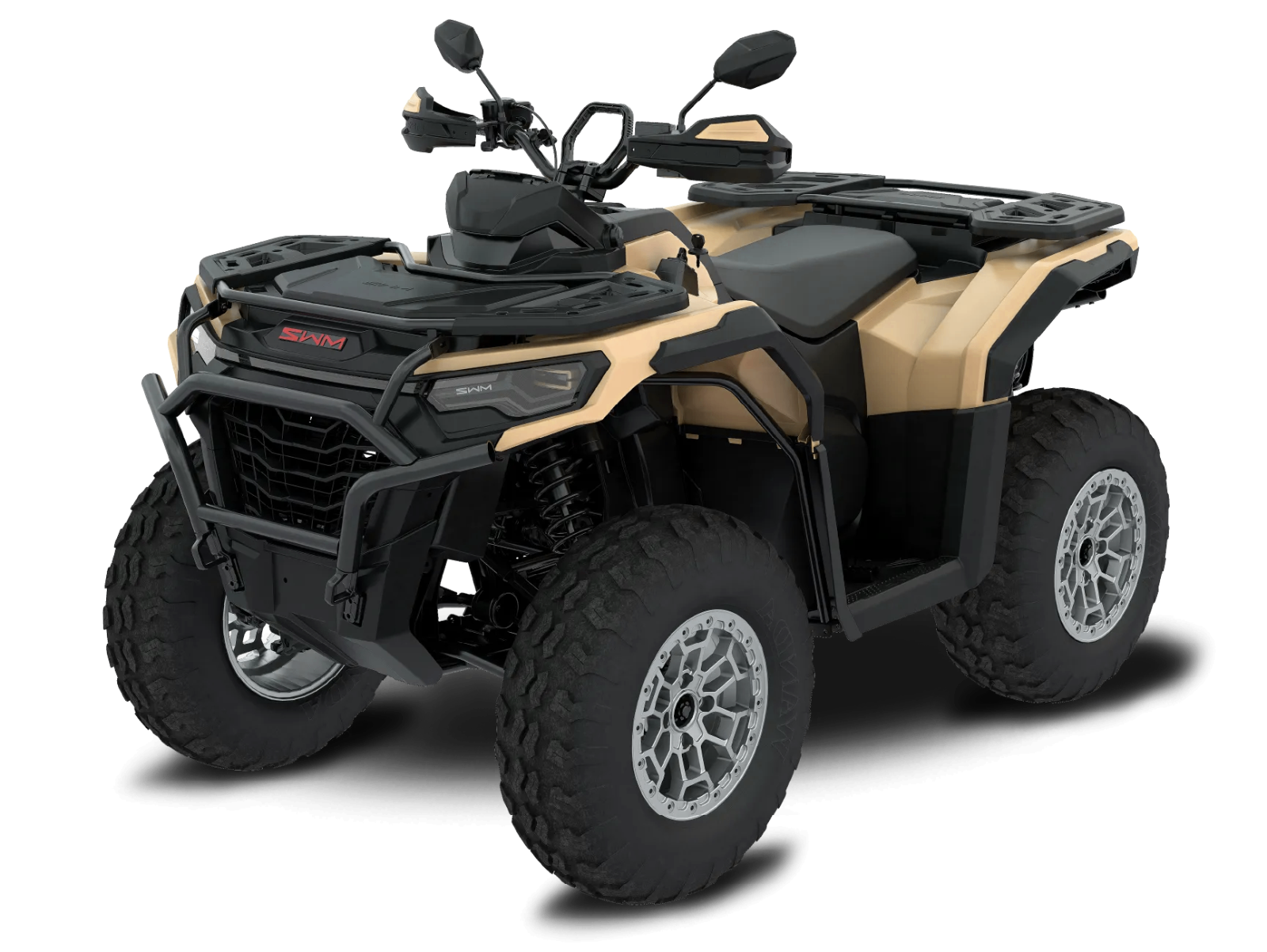 What is the top speed of the SWM Trailhunter 1000?
What is the top speed of the SWM Trailhunter 1000?
What is the top speed of the SWM Trailhunter 1000?
-
Jun 17 2026
learn more
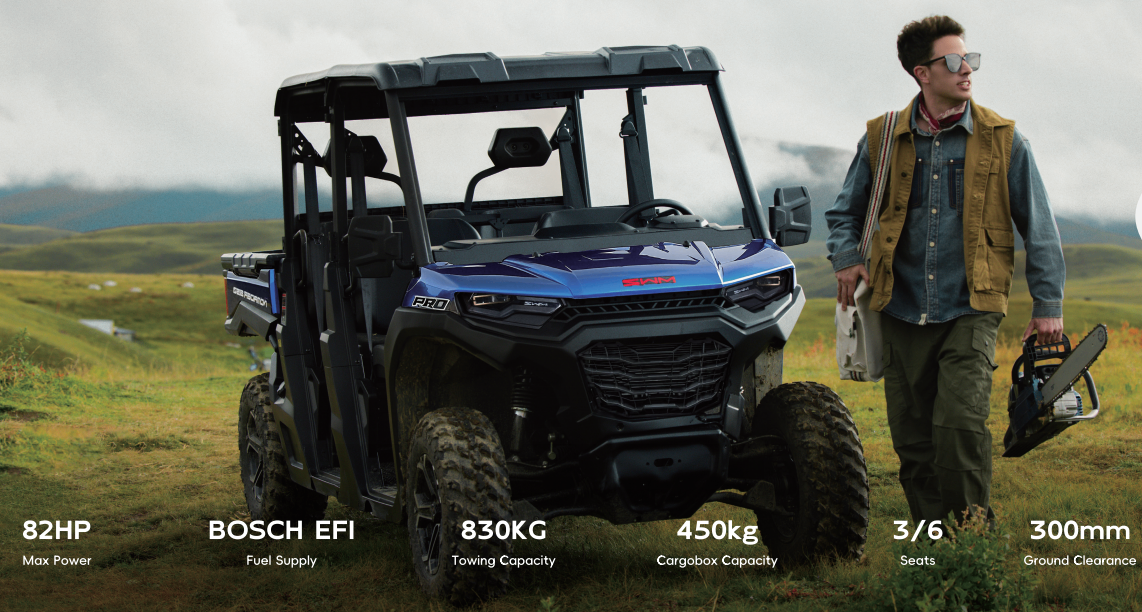 How Much Horsepower Does the 850cc V-Twin Produce?
How Much Horsepower Does the 850cc V-Twin Produce?
How Much Horsepower Does the 850cc V-Twin Produce?
-
Jun 23 2026
learn more
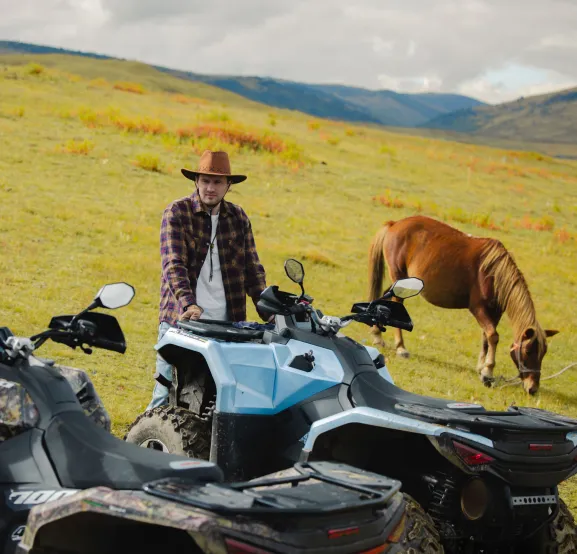 Can SWM ATV Handle Mud and Snow?
Can SWM ATV Handle Mud and Snow?
Can SWM ATV Handle Mud and Snow?
-
Jun 22 2026
learn more
 What Does ATV Insurance Cover in the USA 2026?
What Does ATV Insurance Cover in the USA 2026?
What Does ATV Insurance Cover in the USA 2026?